Anatomy of a Self-Hosted Campus: openEDU on a Three-Node k3s Cluster
The front door of the deployment is deliberately boring: a single sign-in page. But behind that OIDC login at home.openedu.graphwiz.ai sits a complete, self-hostable digital workplace for higher education — documents, groupware, chat, video teaching, a learning management system, collaborative writing and on-premises AI — running on three bare-metal nodes with 72 vCPU and roughly 1 TB of RAM. No hyperscaler, no per-seat SaaS billing, no data leaving the organisation.
This is a showcase of that deployment: what runs where, how it is wired together, and the operational lessons that only surface when you actually run the thing.
The stack in one glance
| Layer | Choice | Why |
|---|---|---|
| OS | Ubuntu 24.04 LTS | boring, supported, predictable |
| Kubernetes | k3s v1.36 | full K8s API, fraction of the operational weight |
| Ingress | HAProxy ingress + MetalLB L2 VIP | one stable entry IP, no cloud load balancer needed |
| TLS | cert-manager + Let's Encrypt (wildcard) | one wildcard certificate, auto-renewed, shared by all ingresses |
| GitOps | Argo CD | six Applications, cluster state = git state |
| Identity | Keycloak (OIDC) + OAuth2 Proxy v7.15.4 | one login for every service |
| Storage | local + RWO block volumes, S3-compatible backups (SeaweedFS) | simple, self-contained |
| AI | Ollama (two instances) + Open WebUI | inference never leaves the building |
The suite behind the portal
The portal itself is a dashboard. After signing in through OAuth2 Proxy, which delegates to Keycloak via OpenID Connect, users land on a page of service tiles. Each tile leads to one component of the openEDU workplace:
- Documents and collaboration — Nextcloud 34 with Collabora, CryptPad for real-time collaborative editing.
- Communication — Matrix (Synapse) with Element for chat, SOGo for groupware and mail.
- Teaching — Ilias as the LMS, BigBlueButton and Jitsi for video seminars, JupyterHub for course notebooks, Overleaf for collaborative LaTeX writing.
- Automation and ops — n8n for workflow automation, an invoicing service, Grafana dashboards for the platform team.
Everything is deployed as Kubernetes manifests into per-domain namespaces (openedu, llm, home, monitoring, backup), so a broken component stays contained:
$ kubectl get ingress -A
NAMESPACE     NAME                  HOSTS
home          home-portal           home.openedu.graphwiz.ai
argocd        argocd                argocd.home.openedu.graphwiz.ai
llm           open-webui            ai.home.openedu.graphwiz.ai
llm           ollama-ingress        ollama.home.openedu.graphwiz.ai
openedu       ilias-ingress         lms.home.openedu.graphwiz.ai
openedu       invoicing             invoicing.home.openedu.graphwiz.ai
monitoring    grafana               grafana.home.openedu.graphwiz.ai
One hostname per service, one wildcard certificate, one login. That is the entire mental model users need.
Why k3s on bare metal
The cluster is three Ubuntu 24.04 nodes — one control-plane, two workers — joined with k3s. For an organisation without a platform team, k3s hits the sweet spot: the full Kubernetes API for Argo CD and cert-manager to consume, without etcd babysitting, cloud control-plane bills, or a thirteen-component install.
Traffic enters through a MetalLB layer-2 VIP in front of a HAProxy ingress controller. Because the VIP is announced on the local network, services get stable internal addresses as well as public ones — useful for services such as the SMTP relay and backup target that should not sit behind an HTTP ingress at all.
TLS is a solved problem by design: a single ClusterIssuer issues one wildcard certificate from Let's Encrypt, every ingress references the same secret, and renewal is invisible:
apiVersion: cert-manager.io/v1
kind: ClusterIssuer
metadata:
  name: letsencrypt-prod
spec:
  acme:
    server: https://acme-v02.api.letsencrypt.org/directory
    solver:
      - dns01: {...}
Wildcard certificates are the pragmatic choice for a deployment with twenty-plus hostnames. The alternative — one certificate resource per ingress — is more "correct" and considerably more tedious.
GitOps, or: the cluster is a build artefact
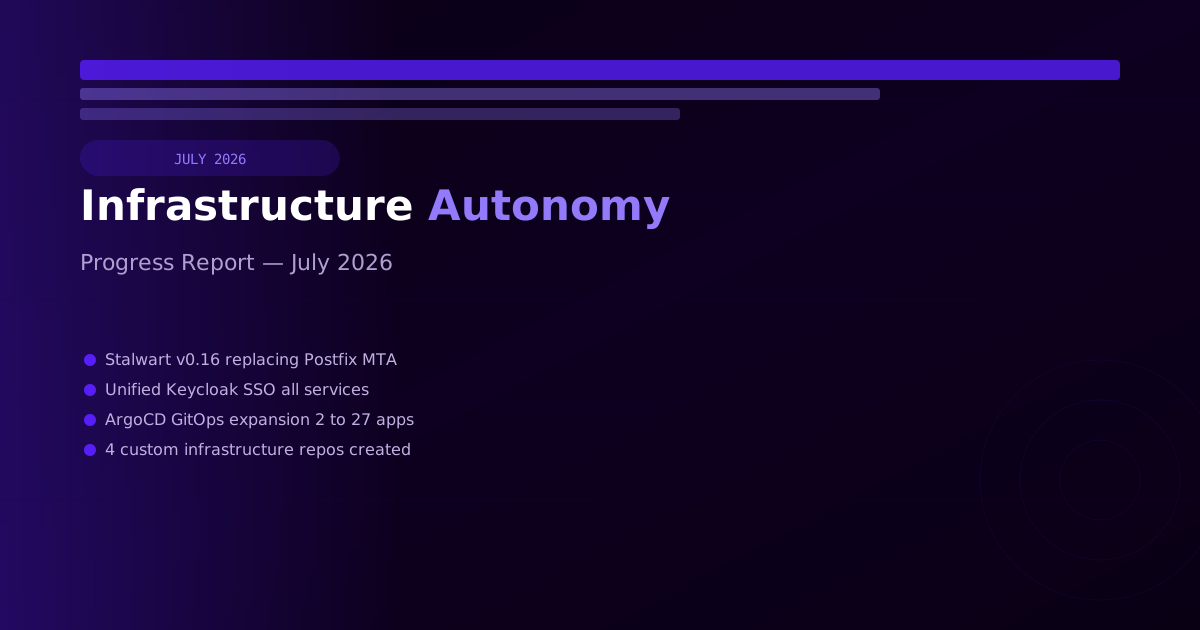
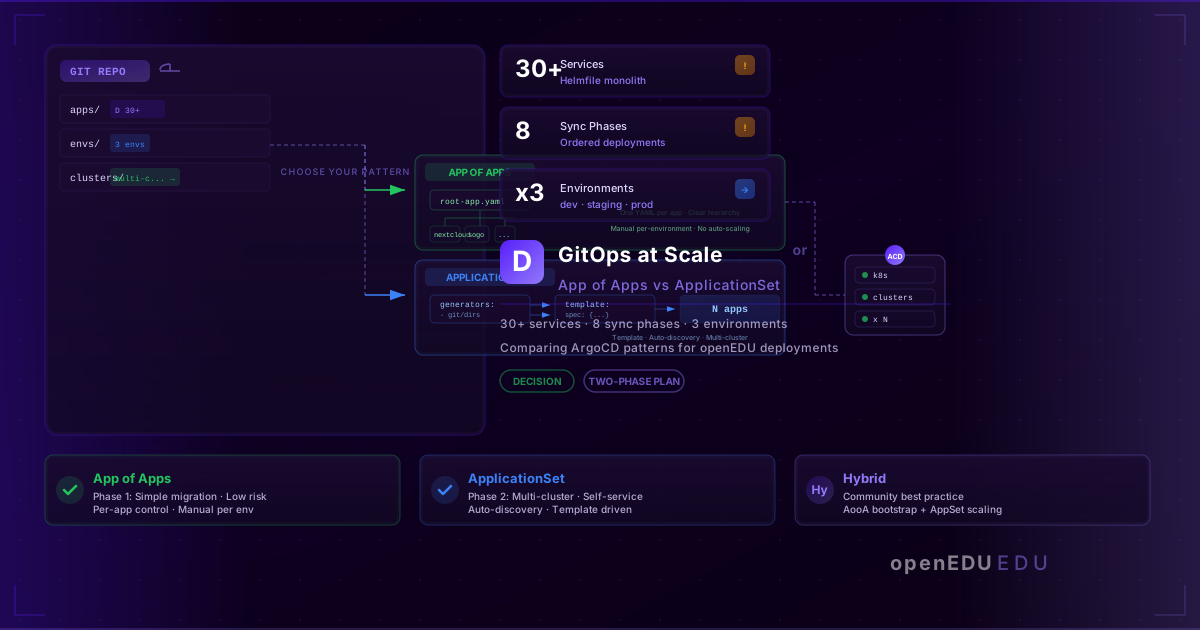
Argo CD manages six Applications: the portal, the openEDU suite, the mail server, platform infrastructure, and sibling product stacks. Nothing is installed by hand. A change is a commit; sync is declarative; drift is visible in the Argo CD UI.
This pays off most during incidents and migrations. When a domain migration touched every component recently, the fix was not a runbook of manual kubectl edit incantations — it was updating manifests in git and letting Argo CD converge. The two genuine bugs found along the way were both in git, both fixable as commits:
- Liveness probes that lied. The kubelet's
httpGetprobes do not reliably honour a customHost:header override, so Nextcloud answered every probe with a 400 and entered a restart loop. The fix was switching toexecprobes running a deterministiccurlinside the container:
exec:
  command:
    - curl
    - -fsS
    - -H
    - "Host: nextcloud.home.openedu.graphwiz.ai"
    - http://localhost/status.php
- Install-time-only environment variables.
NEXTCLOUD_TRUSTED_DOMAINSonly configures a fresh install. Post-install domain changes must go throughocc config:system:set— the container env silently does nothing. The class of bug is worth remembering for every stateful image: env vars configure the installer, not the application.
Debugging stateful pods without magic
The suite's data lives on RWO (read-write-once) persistent volumes. When Synapse's database needed surgery after the domain migration, kubectl debug could not simply attach to the volume — an RWO volume is attached to exactly one node. The working pattern: pin a scratch pod to the specific node holding the volume attachment, mount the PVC, and operate from there.
$ kubectl get volumeattachments | grep pvc-synapse-data
$ kubectl debug -it node/<holding-node> --image=alpine \
    -- mount /dev/vol /mnt && sqlite3 /mnt/homeserver.db
None of this is exotic. All of it is documented in the repo next to the manifests that needed it — which is the point. A deployment maintained by a small team cannot afford tribal knowledge.
On-premises AI as a first-class citizen
Two Ollama instances sit behind their own ingresses, with Open WebUI in front for interactive use. Models are pulled and served locally; prompts from research staff never traverse a third-party API. For a sector bound by GDPR and institutional confidentiality, local inference is not a nice-to-have — it is the reason the deployment can offer AI features at all. Combined with n8n for automation, services can chain local models into workflows without a single external dependency.
What it costs to run
The honest ledger of a self-hosted campus:
- Hardware: three nodes, already amortised — capacity to spare at 72 vCPU/1 TB.
- People: the real cost. One platform-minded person can run this; a team of one-and-a-half makes it comfortable.
- Licences: zero. Every component is open source.
- Cloud spend: a domain, DNS hosting, and nothing else.
The trade-offs are equally honest: you own patching, capacity planning, and disaster recovery. Backups go to an S3-compatible target (SeaweedFS) on a schedule, restores are rehearsed, and — the step everyone skips — the restore path is tested with the same rigour as the backups are taken.
Takeaway
A credible open-source digital workplace for education does not need a hyperscaler, a managed Kubernetes offering, or a platform engineering department. It needs: a small k3s cluster, GitOps from day one, one identity provider, wildcard TLS, and the discipline to keep the entire stack in git. Start with the portal and the IdP — once single sign-on works, every additional service is just a manifest and a DNS record.
The stack described here is the infrastructure behind openEDU, an open-source digital workplace for higher education institutions. The interactive overview of its ecosystem lives at landscape.openedu.graphwiz.ai.